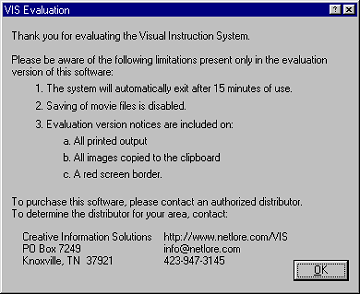
As this dialog box indicates, the limitations of the evaluation version are:
The system will automatically exit after 15 minutes
Saving of movie clips and images is disabled
Evaluation version notices are included on:
All printed output
All images copied to the clipboard
A red screen border.
The intent of the evaluation version is give you hands-on access to evaluate VIS while precluding its use for real work. If you require a fully functional version of VIS for evaluation, please contact Creative Information Solutions.