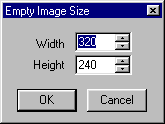
The Blank Image menu can be accessed from the main menu under File. Blank Image allows you to create a blank (white) screen image in a new VIS window. Upon selecting Blank Image, a dialog box will pop up allowing you to select the size of the new image.