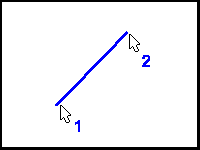
Draws a line between two screen positions. Hold the SHIFT key down while clicking the second point to have the line snap to the angles set in the Setup/Draw box. Hold the CTRL key down while clicking the second point to have the current line to be constrained as either parallel or perpendicular to the previous line.